How do I create a campaign?
Campaigns allow you to save and reuse a gift template, making it easy to send the same gift setup to new recipients without starting from scratch.
Why use campaigns?
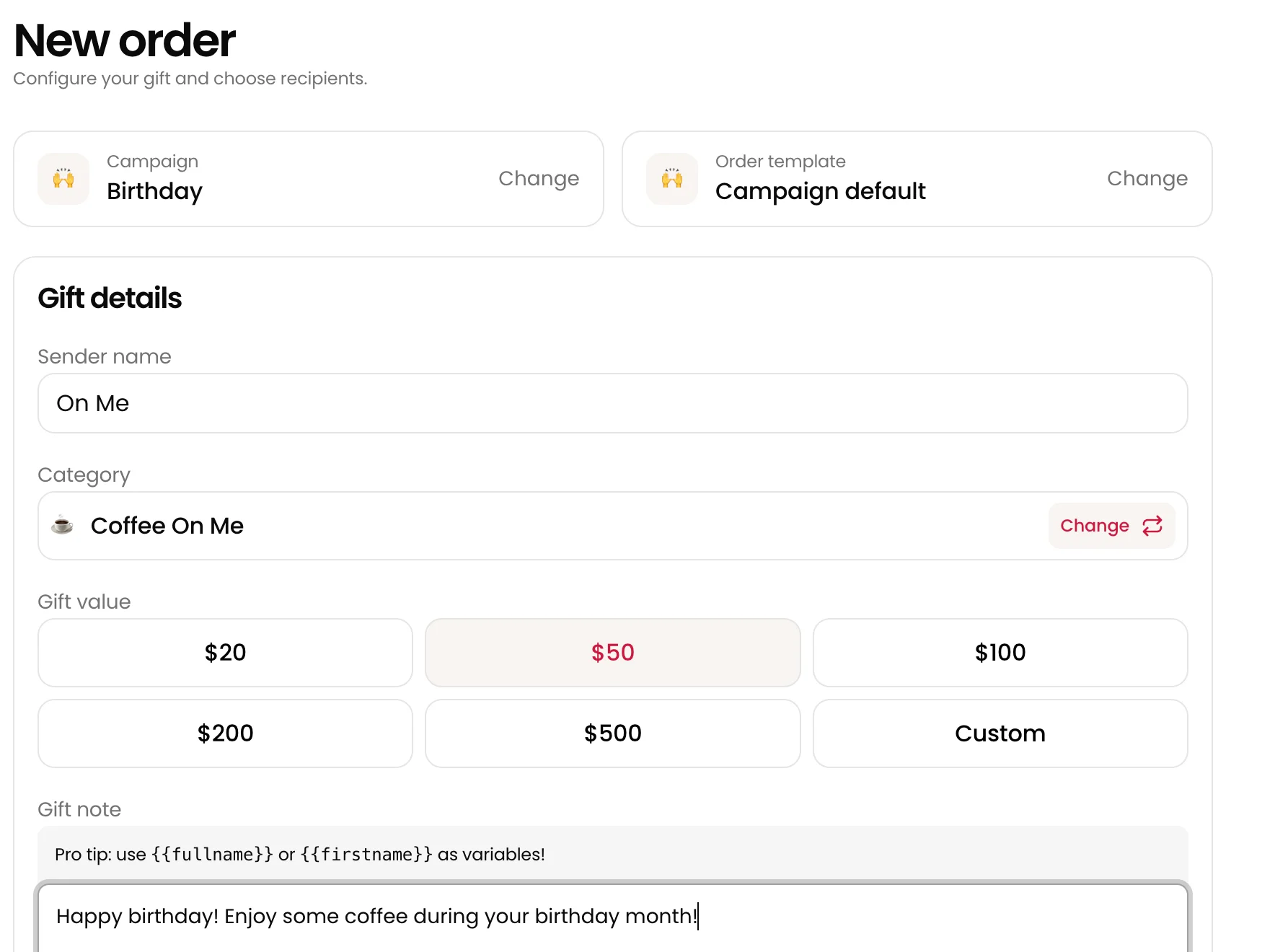
When you create a campaign, it automatically saves your core gift details, including:
- Sender Name
- Gift Category & Value
- Gift Note
- Delivery Timing
Once your campaign is set up, you only need to add new recipients each time you want to send a new order.
Managing Your Campaigns
To track or manage your campaigns, click on Campaigns in the left navigation menu. From there, you can access:
- Order History: Click on any active campaign to see a full list of all completed orders within it.
- Draft Campaigns: View campaigns that were started in the gift builder but don't have any completed orders yet.
- Campaign Insights: Get quick data and performance metrics to see how your campaigns are doing.