What is Social Gifting?
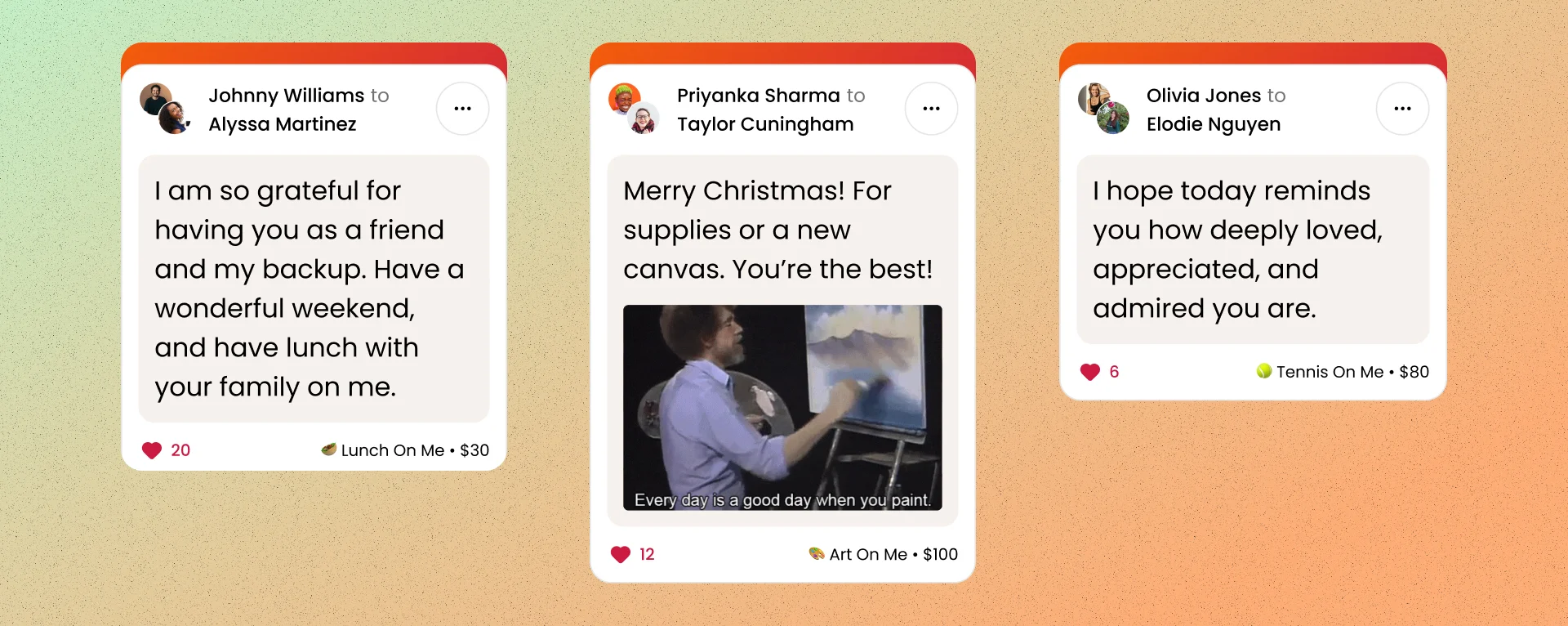
Social Gifting is a new feature that makes gifting on On Me a shared, social experience. When you send or receive a gift, it can appear in a public gift feed — a scrollable feed of recently sent gifts visible on the homepage and category pages. Think of it like a social timeline, but for gifts.
By default, gifts are public, meaning they may appear in the feed for others to see and be inspired by. But you're always in control of your privacy — both senders and receivers have options to manage how their gifts show up.
How do I untag myself from a gift?
If someone sent you a gift and it's showing up in the public feed with your name attached, you can untag yourself at any time.
- Open the gift details page for the gift you want to untag yourself from.
- Tap the overflow menu (the three-dot icon) in the top corner.
- Select Untag myself.
What happens when you untag yourself:
- The gift may still appear in the public feed, but your name will no longer be associated with it. There will be no link to your profile on the feed tile.
- The gift message and any media attached will remain unchanged.
- The gift will still show up on the sender's profile feed, but it will be removed from public feeds like the homepage.
- This action is reversible — you can re-tag yourself later if you change your mind.
Setting a default: You can also set an account-level default for whether you want to be tagged on received gifts. Go to your account settings and toggle your default received-gift visibility to public or private. You can always override this on a per-gift basis.
How do I make a public gift private?
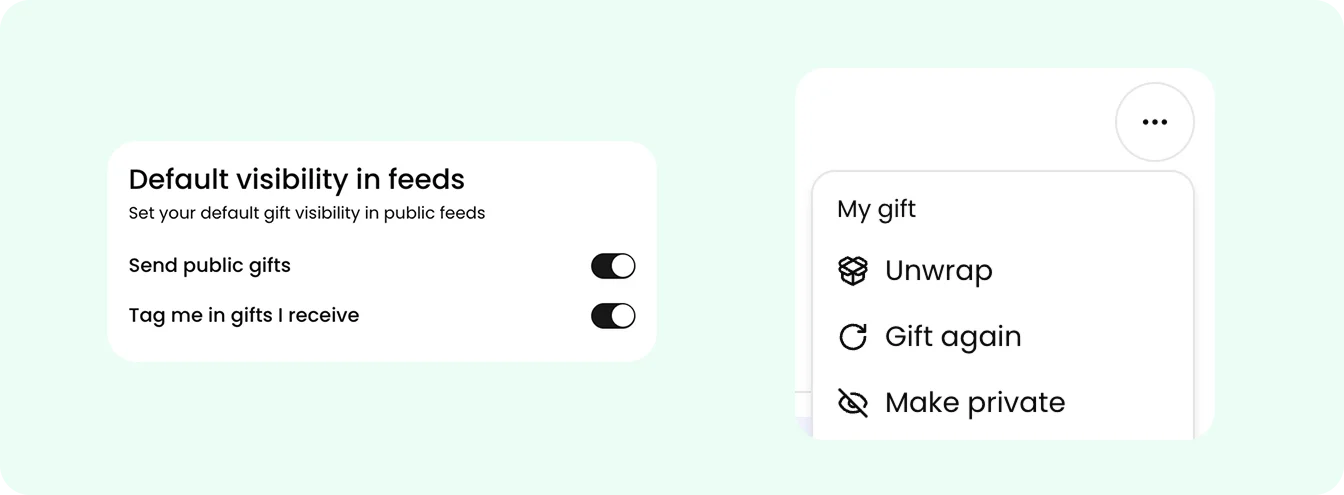
As the sender of a gift, you control whether the gift is public or private.
- Open the gift details page for the gift you sent.
- Tap the overflow menu (the three-dot icon).
- Select Make private.
What happens when you make a gift private:
- The gift is completely removed from the public feed — it will no longer appear on the homepage, category pages, or any public feed.
- Neither the sender's nor the receiver's name will be shown publicly.
- This action is reversible — you can switch a private gift back to public at any time using the same menu.
Setting a default: When sending a gift, you choose whether it's public or private at the time of sending. You can change your default visibility setting at any time in your account settings, and it will apply to all future gifts you send.
Where will my gift show up?
- Public gifts can appear in the homepage feed, category-specific feeds, and the sender's profile feed.
- Private gifts never appear in any feed. They are only visible to the sender and receiver in their respective My Profile views.
- Gifts sent as private will never be made public without the sender's explicit choice.
Quick summary
- Senders choose whether a gift is public or private and can change this anytime.
- Receivers choose whether they're tagged on a public gift and can change this anytime.
- You can set account-level defaults for both sending visibility and received-gift tagging in your settings.
- A gift only fully appears in the public feed when the sender has it set to public and the receiver is tagged.