Why did I receive a message that my card number changed?
Did you recently receive a message that looks like this?
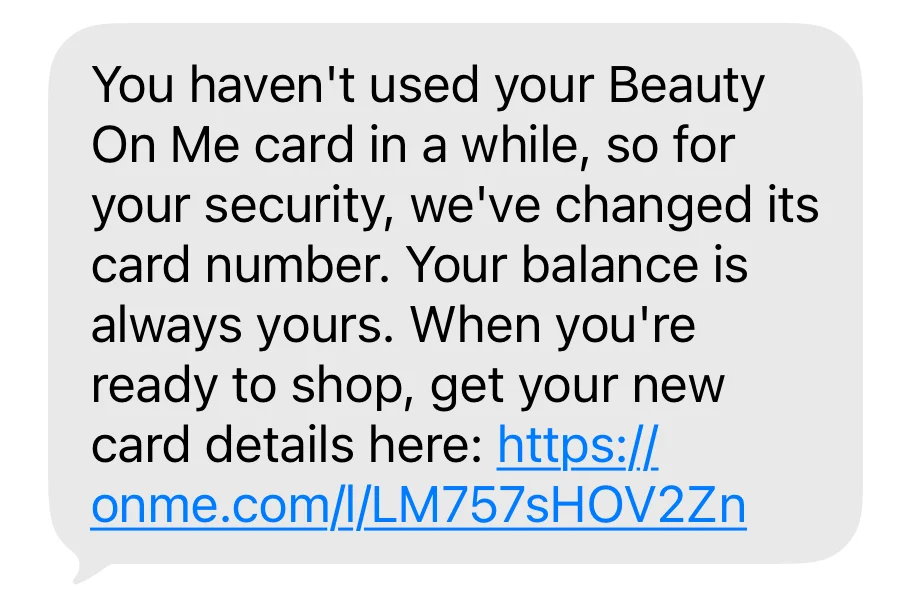
And then you clicked on the link and see this:
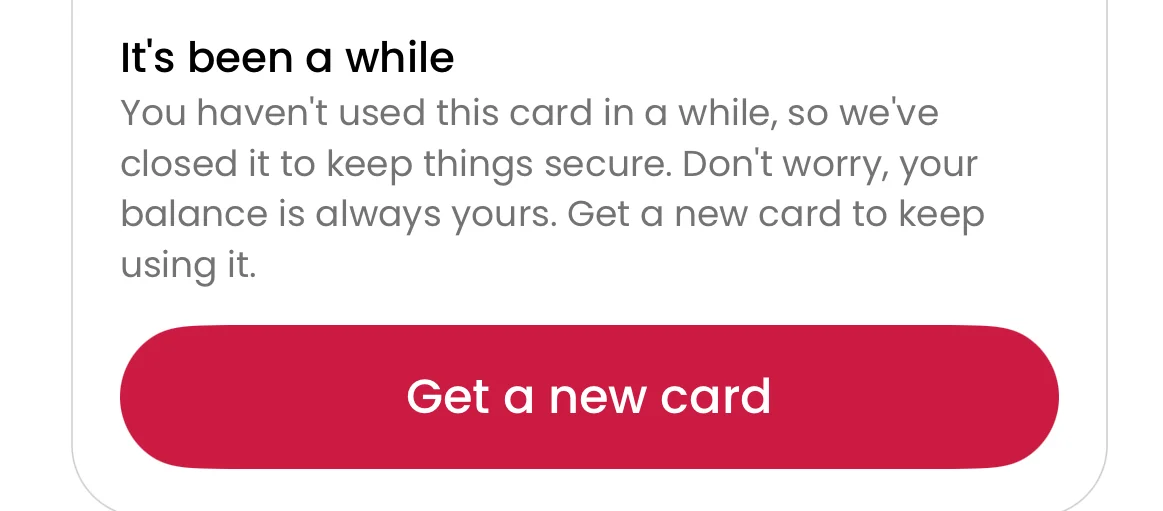
Not to worry! We are just keeping your card and account safe. If you would like to spend your card, please click on the “Get a new card number”, accept the balance transfer and then click “Add to Apple Wallet” or “Add to Google Wallet” to add to your mobile wallet.
If you prefer not to add your card to your mobile wallet, simply scroll down to “Show card numbers” and use these details to spend your card.
If you have any questions, feel free to contact support!